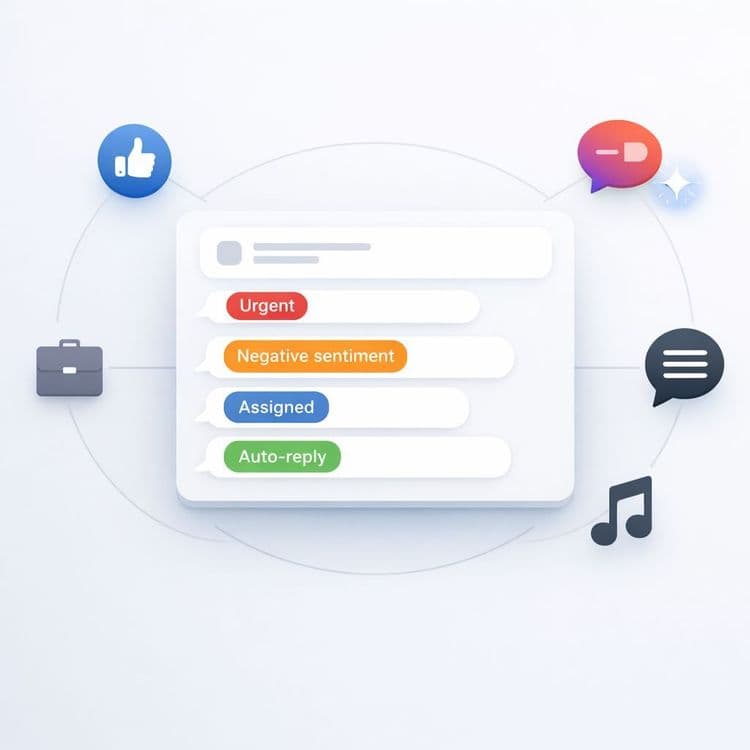
Inbox chaos isn’t just annoying — it’s expensive. When DMs and comments are scattered across Facebook, Instagram, LinkedIn, TikTok, and Threads Threads, teams miss messages, duplicate work, and respond too slowly. And in customer-facing categories, response time is part of your product. A late reply can mean a lost sale, a frustrated patient, or a public comment thread that spirals before anyone steps in. The operational issue is simple: most teams are trying to run customer conversations inside platform silos. A unified inbox flips that model. It pulls conversations into one place so your team stops juggling tabs and starts resolving conversations with speed, clarity, and consistency. This article explains what a unified social inbox actually solves, how it changes team workflows, and why AI-powered triage matters when volume increases.
The most dangerous part of inbox chaos is that it’s invisible until it becomes a problem. Messages aren’t “lost” dramatically — they’re missed quietly. Someone assumes a teammate replied. Someone replies twice. Someone replies late because the notification got buried. Or a sensitive message sits in a comment thread where it escalates publicly. In e-commerce, this shows up as delayed order confirmations, unanswered delivery questions, and missed upsell opportunities. In clinics and professional services, it shows up as slow appointment handling and anxious clients who feel ignored. In large retail, the strain compounds because the volume makes manual coordination unreliable. Even brands like **Zalando illustrate how fragmented channel management can create operational strain when messages aren’t centralized — not because people aren’t working hard, but because the workflow is structurally scattered. Fragmentation also creates tone inconsistency. When replies happen across five platforms with no shared context, you get five slightly different versions of your brand voice. Over time, that inconsistency damages trust more than people realize. And when negative comments aren’t noticed quickly, the damage is public. A unified inbox addresses the root: it replaces channel silos with a single operational surface.
A unified inbox creates one place where all conversations live. That sounds basic, but it changes the daily workflow in concrete ways. First, you gain accountability. In one view, you can assign conversations to specific team members, tag them, and see full history so nobody is guessing who replied or why. Second, you reduce duplicate work. When the whole team sees the same thread and status, you stop double responding or re-reading context. Third, you speed up replies because you don’t waste time switching tools. Context switching is one of the biggest hidden slowdowns in customer communication. A unified view also makes handoffs cleaner. If a conversation needs escalation — refund, complaint, medical question, legal risk — the next person sees the full history instantly. That reduces mistakes and prevents customers from having to repeat themselves. Finally, it makes workflows measurable. You can track response times and backlog the same way support teams do, rather than treating social messages as informal noise. When social becomes operationally visible, it becomes operationally improvable.
The best use of AI in inbox management is triage. Most inbound messages are repetitive. People ask the same things: shipping times, opening hours, price, availability, how to book, where to find a product, what the return policy is. Those are perfect candidates for first-touch automation. AI chatbots can handle common queries, and safe auto-replies can run on guardrails that route sensitive issues to humans. This is important because the risk isn’t “AI replying.” The risk is AI replying to the wrong thing. Guardrails solve that by defining escalation triggers and limiting what automation can do. When a message is ambiguous, emotionally charged, or high-stakes, it should immediately surface to a human. When a message is routine, automation can respond quickly and consistently. That improves customer experience because speed matters for routine questions. It also improves team focus because humans aren’t spending their best attention on repetitive tasks. The outcome is a calmer workflow where people handle nuance and relationships, while AI handles the predictable front line.
** Customers don’t care which platform they messaged you on. They only notice how fast, clear, and consistent your response was. **
A unified inbox becomes significantly more powerful when it includes sentiment detection and comment moderation. Sentiment analysis flags positive, neutral, and negative messages so negative signals can be escalated under your SLA. This matters because not every message is equal. A simple question can wait. A complaint in public comments can’t. Sentiment-based prioritization helps teams respond in the right order. Comment moderation scales the workload further by triaging, hiding, or flagging problematic comments, suggesting replies, and handing off complex cases to agents. This is especially important for brands that run frequent campaigns where comments spike. Without moderation support, teams either ignore comments or get overwhelmed, and both outcomes are bad. A structured moderation system gives you speed without panic. It also protects brand voice. Instead of ad hoc responses, teams can respond with consistent templates and escalation rules. That reduces reputational risk because the worst problems are caught early. In practice, moderation and sentiment create an “early warning system” that tells you where attention is needed most. And that’s exactly what modern social support requires: prioritization, not just collection.
A strong unified inbox usually includes a few capabilities that directly reduce operational friction. You want assignment, tagging, and conversation history so accountability is clear. You want AI chatbot support and safe auto-replies with human fallback so routine traffic is handled quickly. You want sentiment detection and escalation so negative issues are prioritized correctly. And you want automated comment triage and handoff so public threads don’t become unmanageable during spikes. Together, these features shift your team from reactive tab-juggling to a predictable workflow. The benefit is not just speed, it’s consistency. When responses run through one system, your brand voice becomes more stable across platforms. Customers get a smoother experience. Teams get fewer internal “who handled this?” moments. And leaders get visibility into what’s happening in real time.
The result of centralization is straightforward. Faster response times reduce lost sales and reduce frustration. Less internal friction frees teams to focus on higher-value conversations. A more consistent brand voice builds trust over time. And a smoother customer experience across channels makes social feel professional, not chaotic. A unified inbox doesn’t just organize messages — it turns social communication into an operational system you can run reliably. And in 2026, that’s a competitive advantage, because customer expectations keep rising while attention spans keep shrinking. If you’re still managing messages separately in each platform, it’s worth asking: how many conversations are you missing today without realizing it? Centralization is usually the highest leverage fix.
How are you currently managing messages from multiple social platforms?